
7 Free AI Image to Video Generators for Creating UGC-Style Product Ads 2026

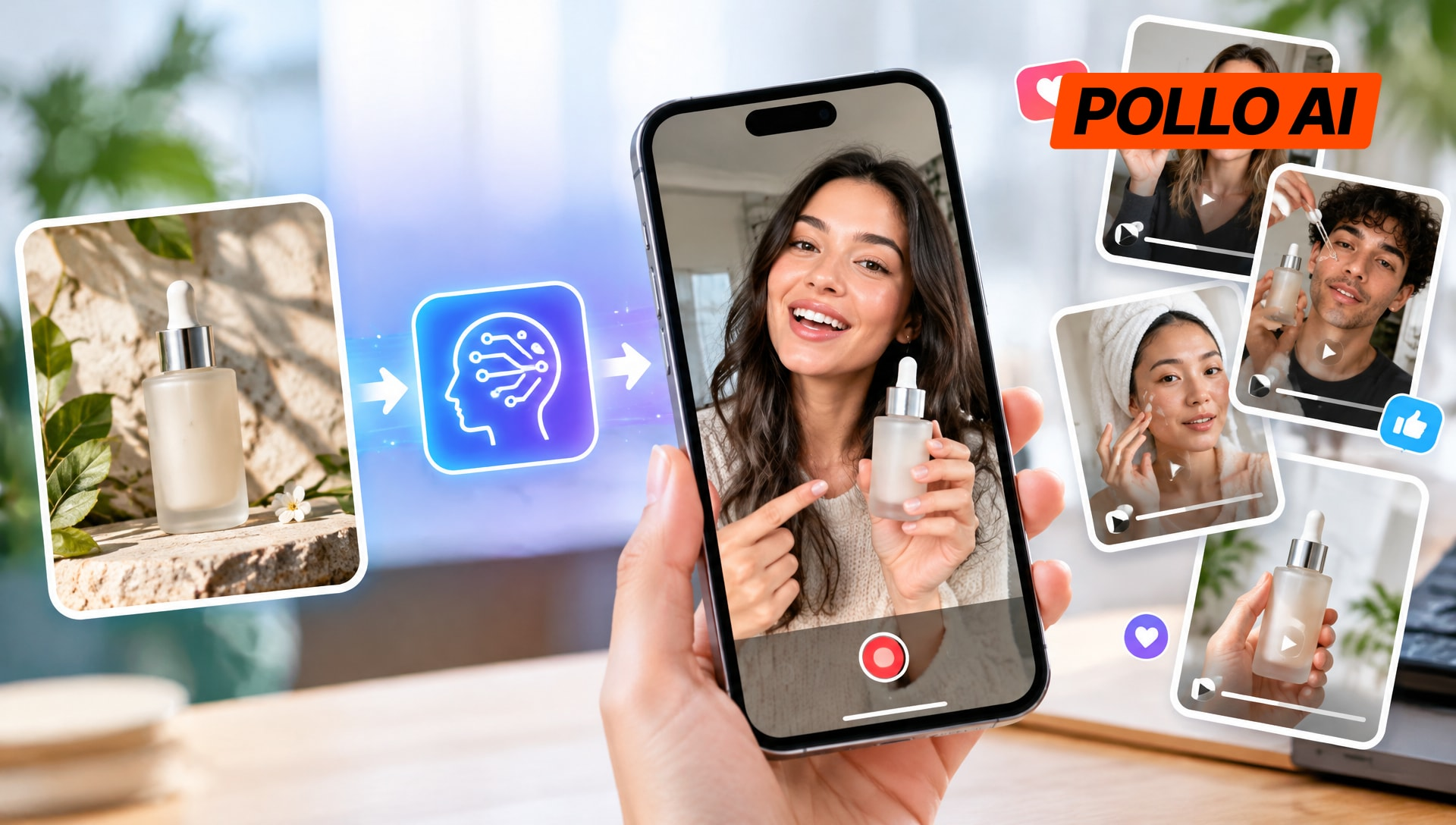
Product photos are easy to upload to a store, but turning them into engaging video ads takes more work. A free AI image to video generator can animate existing photos without a new filming session.
The challenge is finding one that produces useful motion, keeps product details recognizable, and offers enough free access to test different ideas.
This guide compares seven tools based on their actual image-to-video features, free access, and suitability for UGC-style product ads.
The 7 Free AI Image to Video Generators at a Glance
|
Tool |
Best for |
Free access |
|---|---|---|
|
Pollo AI |
Product animation and reference-guided motion |
Credit-based free access |
|
Dreamina |
Testing different motion directions |
Daily free credits |
|
InVideo AI |
Product shots and ad variations |
Limited free credits |
|
Canva |
Short animations from existing images |
Monthly AI allowance |
|
Adobe Firefly |
Camera-controlled product shots |
Limited free generations |
|
VEED |
Comparing multiple video models |
Free access with restrictions |
|
Luma Dream Machine |
Cinematic motion and keyframe transitions |
Limited draft generation |
Free access does not always include commercial rights, watermark-free exports, or unlimited attempts. The available models and limits should be checked before starting a campaign.
1. Pollo AI
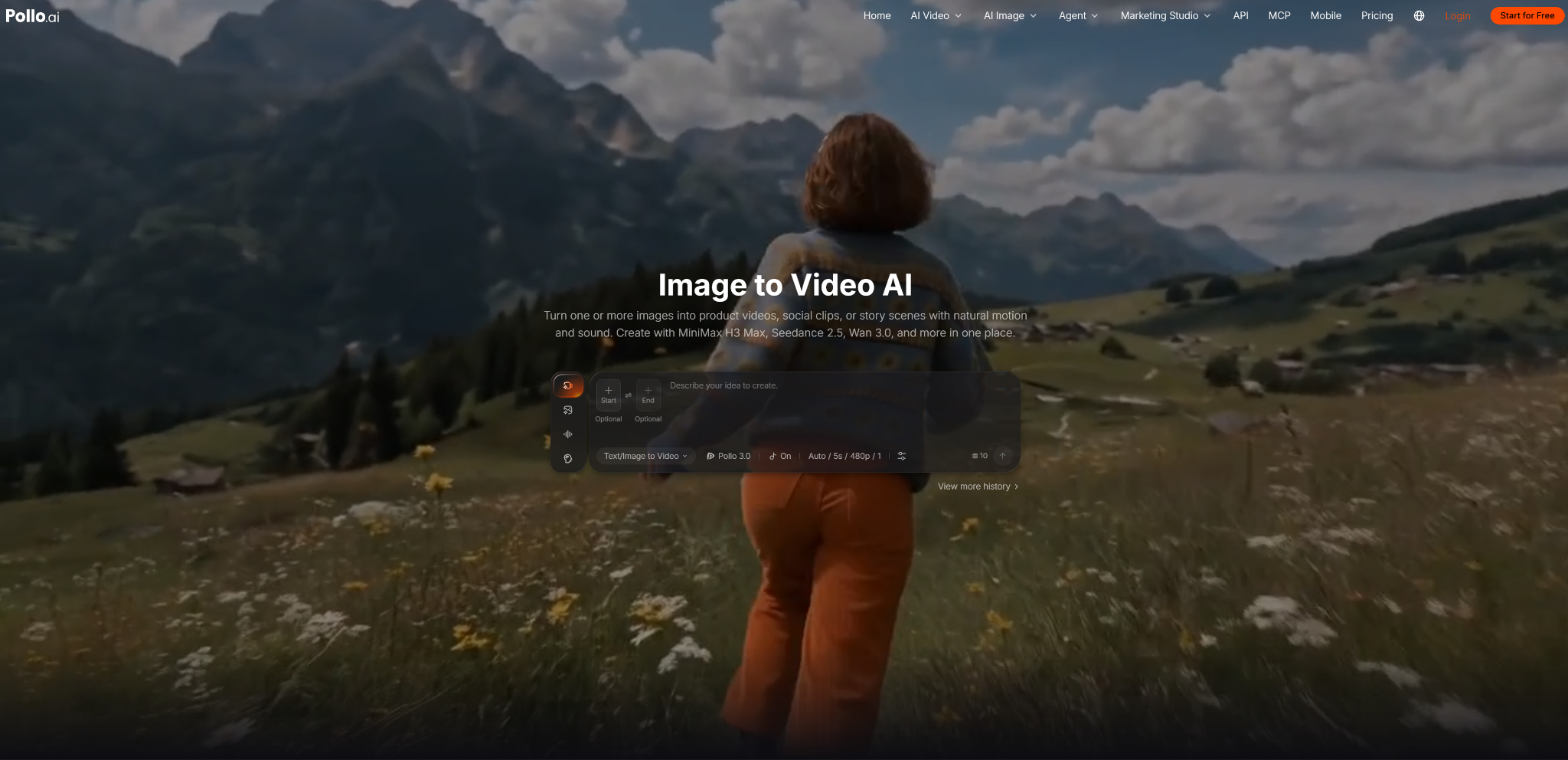
Pollo AI provides an AI image-to-video generator that animates uploaded photos using text prompts. It supports multiple video models, reference images, guided camera movement, and audio generation in supported workflows.
Its image-to-video page also describes ways to keep products, characters, and visual styles consistent across generated footage. Free access: A credit-based free trial is available, with generation options depending on the current account and model settings.
Why Choose Pollo AI for UGC-Style Product Ads?
Pollo AI is useful when a seller wants to turn a specific product photo into a shot that feels filmed rather than simply animated. This approach can help create UGC video ads without arranging a new product shoot for every concept.
A skincare seller could start with a front-facing serum bottle, request a slow camera orbit, and describe soft light moving across the glass. A fashion seller could use model references to guide the appearance of a person and clothing while creating a subtle movement shot for a social ad.
The more useful distinction is the control over the shot, not just the ability to make an image move. Prompts can describe the subject’s action, camera movement, pacing, and mood together.
Where supported, start and end frames can guide the transition between two visual states, while multiple references help establish the intended product or character appearance. These options are relevant when a campaign needs several related clips rather than unrelated animations.
Tip: Start with one clear action and a simple camera move, then compare the result against the original image for changes to packaging, logos, and product proportions.
2. Dreamina
Dreamina offers image-to-video generation that turns still images into short clips using prompts and supported video models. Its workflow includes options for directing movement and, where available, using first and last frames to guide a transition.
Free access: Dreamina currently lists 120 free credits per day for supported image and video workflows, but the number of clips depends on model choice, duration, resolution, and settings.
Why Choose Dreamina for UGC-Style Product Ads?
Dreamina is a useful option for testing alternative visual treatments without arranging another product shoot. A seller of handbags, for example, could compare a slow push-in on the product with a wider lifestyle-style movement.
A food brand might animate a plated dish with a gentle camera move rather than introduce complicated actions that could distort the food.
The first-and-last-frame workflow can also help when the shot needs to reach a particular composition, such as moving from a full product view to a close-up. This is more specific than simply asking for a cinematic effect, although the source frames need to be compatible for a convincing transition.
Tip: Test one simple motion first, and use first and last frames only when the clip needs to reach a clearly defined final composition.
3. InVideo AI
InVideo AI Image to Video turns uploaded product shots, listing photos, and brand images into video clips based on a description of the desired movement. Its workflow lets users select supported video models and describe camera motion or visual changes.
The wider platform also supports connected creative workflows. Free access: InVideo AI offers limited free-plan credits, with the amount available and the cost per generation depending on the current plan and selected model.
Why Choose InVideo AI for UGC-Style Product Ads?
InVideo AI is relevant when a seller needs several versions of an existing product visual. A seller of phone accessories could animate a pack shot into a close-up, then try a different camera movement for another ad placement.
Its image-to-video workflow also supports listing photos and brand stills, so the same approach can be applied to product pages and social creatives.
Its wider platform can help when a seller wants to develop generated footage into a larger campaign. However, image-to-video generation and complete ad creation are separate tasks: an animated product shot still needs a clear advertising message and an appropriate sequence of visuals.
Tip: Describe what should move and how the camera should behave, rather than asking the model to redesign the product and animate it at the same time.
4. Canva
Canva offers an AI Image to Video tool that adds subtle motion to still photos and graphics. Users can choose automatic animation or describe the desired movement in a prompt.
The resulting clip is five seconds long and does not include audio. Free access: Canva Free users can use the feature while their monthly AI allowance remains available; the tool does not provide unlimited generation.
Why Choose Canva for UGC-Style Product Ads?
Canva is useful when a seller needs a short animated product visual rather than an elaborate scene. A small beauty brand could animate a product close-up for a social post, while a homeware seller could add movement to a room image to create a simple lifestyle shot.
The five-second format can work for a quick visual hook, especially when the product is already easy to recognize.
The feature is less suited to a shot that requires a long sequence of actions or detailed movement. It is best treated as a way to give an existing image a little motion, rather than a replacement for every type of video generation.
Tip: Use a clean, non-transparent product image and keep the requested movement subtle enough to preserve the original composition.
5. Adobe Firefly
Adobe Firefly’s video generator supports image-to-video creation from an uploaded image and a text prompt. Its controls include camera movement and shot direction, with options such as zooming and panning in supported workflows.
Free access: Firefly provides limited free generative access, but available credits, models, and video-generation features depend on the current account and plan.
Why Choose Adobe Firefly for UGC-Style Product Ads?
Firefly is worth considering when the camera movement is central to the product shot. A seller of watches or cosmetics might want a controlled close-up that draws attention to a reflective surface, while a furniture brand could animate a room image with a gradual camera move.
These are situations where a deliberate change in framing matters more than adding lots of activity to the scene.
The source image still sets important limits. A product shot with a clear silhouette and enough surrounding space gives the model a better starting point than a tightly cropped image with little room for movement.
Free access may also be insufficient for repeated testing, so sellers should confirm the generation allowance before planning a large batch.
Tip: Choose the intended camera move before writing the prompt, and leave enough space around the product for the composition to remain readable.
6. VEED
VEED offers an AI image-to-video generator for animating uploaded images with prompts that describe movement, such as zooming, panning, or a subject moving. Its AI Playground also provides access to multiple image-to-video models, allowing users to compare how different models interpret the same source image.
Free access: VEED offers a free way to try image-to-video generation, but free exports include a watermark. AI Playground credits are available on free plans only in certain regions, and generation costs vary by model.
Why Choose VEED for UGC-Style Product Ads?
VEED is useful when a seller wants to compare different models rather than rely on one generation approach.
For example, a seller of kitchen products could use the same source image with two supported models and compare which one handles the product’s shape and camera movement more convincingly. This can help identify a suitable model before spending credits on more variations.
The trade-off is that access to models and credits can vary. A seller should check the available generation options before making VEED the main tool for a campaign, especially if watermark-free output is required.
Tip: Run the same image and motion prompt through two available models, then compare product accuracy and movement before generating additional clips.
7. Luma Dream Machine
Luma Dream Machine offers image-to-video generation with cinematic camera movement and keyframe-based transitions. Users can animate a still image and, in supported workflows, guide how a shot moves between selected visual frames.
Free access: The free plan offers limited image generation and draft-resolution video generation, with watermarks and personal-use restrictions. Commercial use requires an eligible paid subscription under Luma’s published licensing terms.
Why Choose Luma Dream Machine for UGC-Style Product Ads?
Luma Dream Machine is useful when a product shot needs a more deliberate visual transition. A footwear seller could start with a still product image and guide the motion toward a closer view, while a furniture brand could animate a room scene with a gradual change in framing.
Keyframes can help when the final composition matters, rather than leaving the entire sequence to a single broad prompt.
This makes Luma worth testing for visual concepts that need a more cinematic feel. However, the free plan’s personal-use restriction means it should not be treated as a free route to publishable commercial ads. Sellers creating paid campaigns need to check the applicable licensing plan first.
Tip: Use compatible opening and ending frames when the shot needs to land on a specific product view, and confirm commercial rights before using the output in an ad.
How to Choose the Right One for Special Needs?
The best choice depends on the source image, the movement required, and the intended use of the final clip.
- For product shots that need controlled movement: Start with Pollo AI or Adobe Firefly. Both offer ways to guide camera movement, making them relevant for close-ups and product reveals.
- For testing different motion ideas: Dreamina is worth trying, especially when daily credits and supported keyframe options fit the project.
- For generating multiple product-shot variations: InVideo AI supports image-to-video workflows for product photos and brand stills, with model-dependent generation costs.
- For short, subtle animations: Canva is a straightforward option when a five-second clip is enough.
- For comparing different models: VEED provides a model-selection workflow, although free credit access varies by region.
- For cinematic transitions: Luma Dream Machine is worth exploring, provided its free-plan restrictions fit the intended use.
A practical test is to use the same product image and a similar motion prompt across two shortlisted tools. Compare whether the product stays recognizable, whether the movement looks plausible, and how many attempts are needed to get a usable result. For paid advertising, check commercial permissions before publishing.
Conclusion
For ecommerce sellers, the value of an AI image to video generator comes down to whether it can turn an existing product photo into a useful shot without creating more work than it saves.
Canva fits short, subtle animations; Firefly offers camera controls; Dreamina is useful for testing motion ideas; and VEED makes it possible to compare different models. InVideo AI supports product-shot variations, while Luma is an option for cinematic transitions when its licensing restrictions are acceptable.
Pollo AI is a sensible first tool to test when the goal is more than making a still image move. Its combination of multiple video models, prompt-guided camera movement, reference inputs, and support for start and end frames can help sellers explore different product-shot directions from existing assets.
The final choice should still depend on the quality of the generated footage, the available free credits, and whether the resulting video can be used for the intended campaign.

Vaayu is a full-time blogger and content writer with a passion for digital marketing. With years of experience in the industry, he shares practical tips, insights, and strategies to help businesses and individuals grow online. When not writing, Vaayu enjoys exploring new marketing trends and testing the latest online tools.