
Can You Turn a Rough Sketch into Finished Artwork Using Free AI Tools?

A rough sketch may capture the idea perfectly while leaving most of the work unfinished. The pose is there, the composition makes sense, and the main objects are in place.
Color, lighting, texture, and background details may still take hours. AI image to image generator can help develop that sketch into a complete visual. The result depends heavily on what you upload and how clearly you describe the finished image.
Begin with a Sketch That Explains the Idea
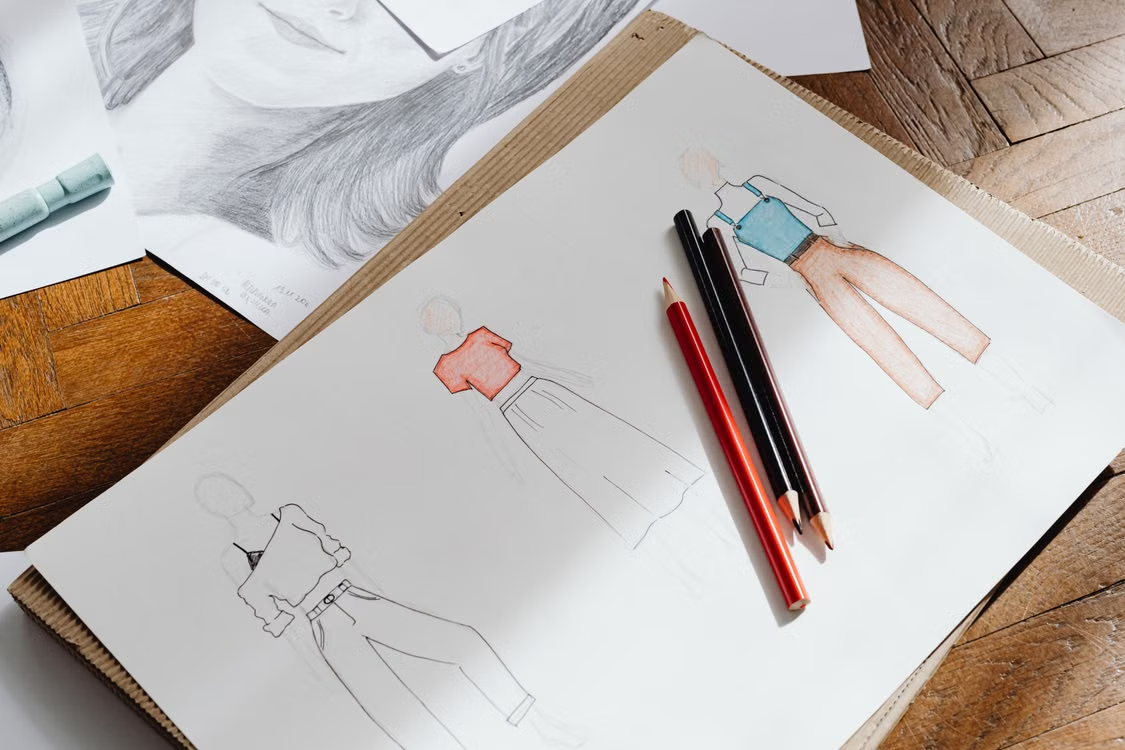
Use simple lines to show the composition, subject placement, and pose.
A useful sketch should show:
- Where the main subject appears
- The subject’s pose or direction
- The position of important objects
- The general shape of the background
- The intended image format
These details give the AI more visual guidance than a text prompt alone. The model can use them to understand how you want the scene arranged.
If you’re not sure how to start, you can use an AI sketch generator to create a rough sketch from a text prompt. Keep the sketch simple and remove any stray marks that don’t contribute to the composition.
Tell the AI What the Finished Image Should Look Like
The sketch provides the structure. Your prompt supplies the missing visual details.
Describe the subject, environment, lighting, colors, and art style. Mention which parts of the sketch should remain unchanged.
For the train scene, you might write:
Turn this sketch into a finished children’s book illustration. Keep the girl’s pose, the book, and the train window in the same positions. Give her short black hair and a yellow sweater. Show green hills passing outside. Use soft watercolor textures, thin ink outlines, and warm afternoon light.
This prompt gives the model a clear job. It explains what to preserve and what to develop.
“Make this beautiful” gives the model almost no direction. “Soft watercolor, thin ink outlines, muted green and yellow palette” describes visible choices that the model can follow.
Choose the First Result by Structure
The first generation may produce several attractive images. Look at the composition before judging the small details.
Check whether the result still follows your sketch:
- Is the character in the right position?
- Does the pose still make sense?
- Are the main objects present?
- Does the background support the scene?
- Is there enough space around the subject?
A polished image can still fail if the model changes the original idea. It may move the character, remove an important object, or turn a close scene into a wide landscape.
Choose the version that follows your intended structure most closely. Facial details, colors, and textures can be adjusted in later generations.

Fix One Problem at a Time
Trying to correct five issues in one prompt often creates five new issues. Work through the image in smaller steps.
Imagine that the composition looks right, though the girl’s sweater is red and the train window is too small. Correct those two details:
Keep the current composition and watercolor style. Change the sweater to mustard yellow and make the train window wider. Keep the girl, book, seat, and landscape in their current positions.
Review the new result before making another change.
This approach makes it easier to understand how each instruction affects the image. It also lowers the chance of losing a strong version while chasing minor improvements.
Use Style References Carefully
You can upload a second image to guide the colors, textures, or general mood when the tool supports visual references.
Describe what you want from the reference:
Use the muted colors and paper texture from the style reference. Keep the composition and character pose from my sketch.
This tells the model how each image should influence the result.
Avoid requesting an exact copy of a living artist’s style. Describe visible qualities such as line weight, texture, colors, and painting method. This gives you more control and leads to a more original result.
Know Which Details Need Manual Work
Free image-to-image tools can handle large creative changes quickly. They may struggle with details that require exact placement.
Common problem areas include:
- Hands holding small objects
- Text inside the artwork
- Repeating patterns
- Character accessories
- Complex facial expressions
- Precise clothing details
- Straight architectural lines
A character may appear to hold a book correctly at first glance, while the fingers merge into the cover. A shop sign may contain unreadable letters. A patterned shirt may change across the image.
Generate another version when the problem affects a large part of the scene. Use a photo editor or drawing app when the correction is small and specific. Cleaning one hand manually may take less time than producing ten more versions.
Keep the Character Stable Across More Images
One finished illustration can become the reference for the next scene.
Say the same girl now needs to arrive at the station. Upload the approved train illustration and describe the new action:
Use the same girl, hairstyle, yellow sweater, watercolor texture, and muted palette. Show her standing on a quiet station platform with the book under her arm. Early evening light, vertical composition.
Compare the new image with the approved reference. Check the face, hair, clothing, proportions, and drawing style.
You may need several attempts. Image-to-image AI can support visual consistency, though every result still requires review. Keep a small set of approved character images and reuse them throughout the project.
Can Free AI Tools Produce Finished Artwork?
They can produce a strong finished image when the sketch is clear, the prompt is specific, and the scene is reasonably simple. The result may already be suitable for a personal project, concept board, social post, or early story draft.
Pollo AI gives creators a practical way to develop rough sketches through image to image generation and different image models. For illustrators, writers, students, and creators who want to develop ideas before committing to hours of manual work, this tool is worth trying.

Vaayu is a full-time blogger and content writer with a passion for digital marketing. With years of experience in the industry, he shares practical tips, insights, and strategies to help businesses and individuals grow online. When not writing, Vaayu enjoys exploring new marketing trends and testing the latest online tools.