
How Mobile Video Can Support SEO Content Without Turning a Blog Into a Studio Project

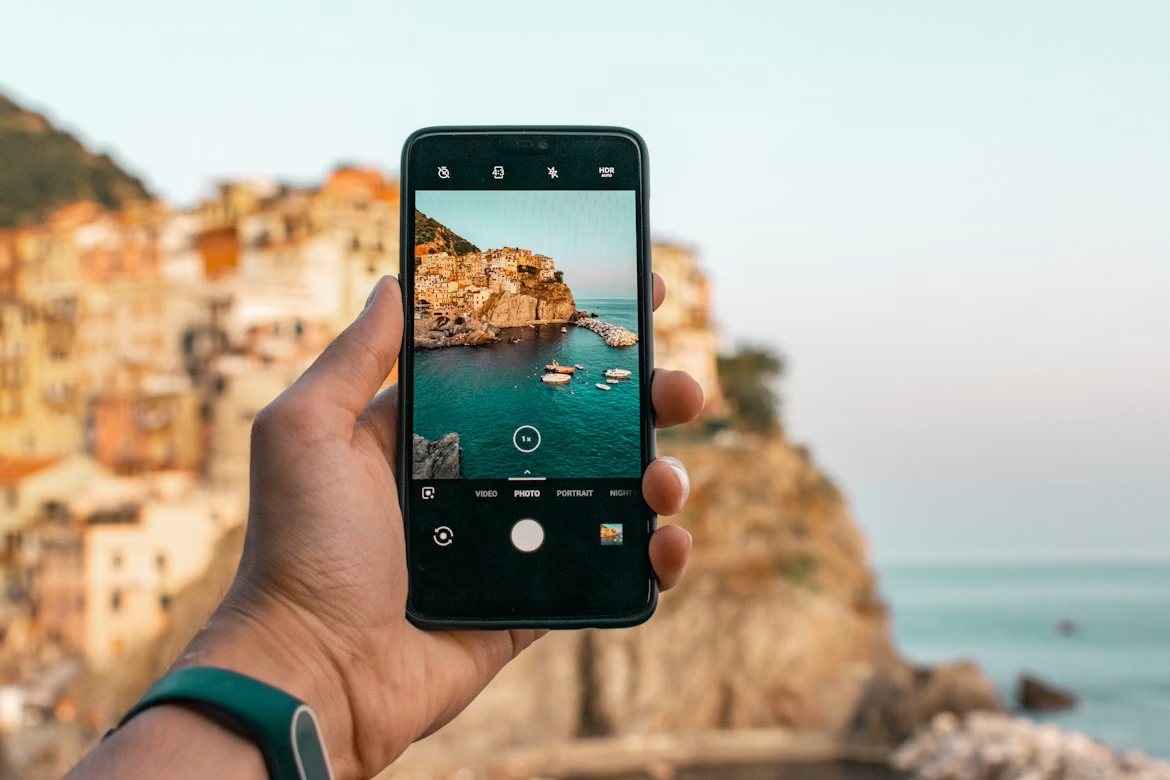
Video on mobile devices has turned out to be one of the easiest ways to give added value to written texts. A post can give you information about a certain process, compare things, or answer your questions, and a video will demonstrate the same thing but in a more compact and humane way.
From the SEO content point of view, it is important since most users prefer to have some proof, context, and visual representation before diving into reading an article.
The good news is that a small creator, blogger, or SaaS startup does not require any expensive equipment for making a video like this. You only need a smartphone, some free time in a quiet place, and a video editing workflow.
And browser-based websites like Clideo come in handy in this situation when you have to perform basic video editing operations without sending everything to a professional studio program.
Mobile video as a search helper
SEO content usually starts with a question. How does something work? Which option is better? What steps should a beginner follow? Text handles detail well, while video handles quick understanding. When both are used carefully, the page becomes easier to trust.
A blog post about keyword research can include a short screen recording from a phone. A guide about product photography can show a before and after clip. A SaaS article can include a thirty-second demo showing where a feature lives.
These small videos support the article’s main point and give visitors another reason to stay on the page.
This can help content performance in a few practical ways:
- A video near the top can make the page feel clearer from the first scroll.
- A short clip can explain a difficult step faster than another paragraph.
- Captions can make the video usable when sound is off.
- A compressed file can keep the page lighter and more comfortable on mobile.
- Reused clips can become material for social posts, newsletters, and help pages.
The point is to treat video as part of the content system. It should answer the same search intent as the article. If the article is about “how to resize a video for Instagram,” the embedded video should show the resize step.
If the article is about “how to film product clips with a phone,” the video should show the setup, angle, or result.
The quiet value of simple edits
Many mobile videos fail because the raw clip asks too much from the viewer. The video starts too soon, stops too late, has useless moments in the middle, or has the wrong aspect ratio for the platform. Simple editing fixes most of this.
A good SEO video usually needs fewer effects and more clarity. Cut the first few seconds if nothing happens there. Remove repeated gestures. Add subtitles when the message depends on speech.
Resize the video for the place where it will appear. Reduce your video by compressing it before you upload so the page doesn’t feel so heavy. These are simple edits, but they are what make all the difference between a video clip that feels completed and finished and one that feels incomplete and rough.
This is where an online video editor is helpful for bloggers and small business owners. The aim is efficiency and repeatability. Some of these now use agentic video editing to handle the trimming, subtitling, and exporting automatically, rather than a blogger doing each step by hand for every clip.
The team records a phone video during regular work hours, edits it down to a neat sequence, adds subtitles, exports it, and publishes it inside the blog post without launching an elaborate editing software program.
This approach corresponds to the process many SEO departments are already using: create, optimize, recycle, update.
The article from Clideo about video editing for social media helps understand how important the aspects of platform behavior, short format, and effective editing techniques are here. They are equally important for blog posts.
The video created for the search page can become a post on LinkedIn, a YouTube Short, a TikTok video, or even a mini tutorial for the product knowledge base.
Where phone footage fits inside a blog post
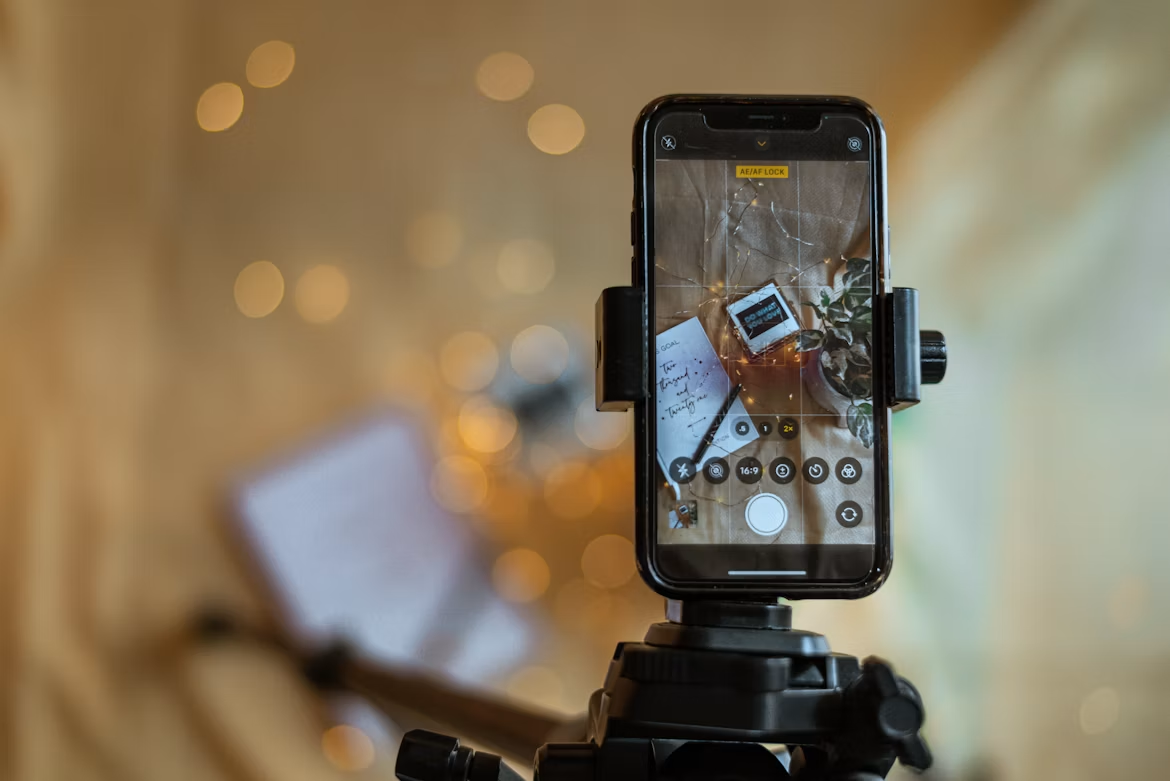
Mobile video works best when it has a clear job. Random embedded clips can make a page feel busy. Useful clips make the article feel more complete.
A product review can use phone footage to show scale, texture, packaging, loading speed, or the real use case. A how-to article can use a short vertical clip to show one step that might be confusing in text.
A marketing guide can include a screen recording of a campaign setup. It may be a depiction of a process, workspace, or a little piece of the output.
Best positions for videos from an SEO perspective include:
- In proximity to the introduction, the video provides a brief insight into what follows next.
- After a difficult step, when the reader needs visual confirmation.
- Before a checklist, when the clip shows the final result.
- Near a comparison section, when visual proof supports the explanation.
- In an FAQ answer, when a short clip solves a narrow question.
This style also works well for content clusters. A main article can host a polished explainer video, while supporting posts use smaller clips.
For example, the pillar page about mobile video editing may include pages with instructions on how to add subtitles, how to reduce video size for a blog, how to combine videos, how to resize videos for social media, and how to create thumbnails.
Every page has its own search intent but still fits into the common topic.
Semrush’s guide to SEO basics explains how modern SEO depends on useful content, search intent, and visibility across different search surfaces. Video supports that idea when it helps the page satisfy the query more fully.
HubSpot’s article on video marketing statistics also shows how widely marketers use video across content strategies, which makes small mobile video workflows more relevant for teams that publish often.
A small workflow for non-studio teams
A simple workflow keeps video from becoming a burden. The best version is boring in a good way: record, clean, optimize, publish, reuse.
First, plan one small purpose for the clip. Avoid trying to explain the whole article in one video. A ten-second clip can show a result. A twenty-second clip can explain a step. A forty-second clip can summarize a process.
Longer videos can work, yet SEO pages often benefit from focused clips that respect the reader’s time.
Second, record with the final placement in mind. A blog embed might work well in horizontal format. A social clip may need vertical format. A product page might need a square crop.
Before exporting, it is useful to check the recommended Instagram aspect ratio, especially when the same footage will later be reused for Reels or other mobile-first platforms. If the video needs to be used several times, record it with enough space around the subject so it can be resized later.
The third step of the video editing process is to edit for clarity. Use a video cutter to remove delays. Use merge video features when several small clips tell the story better together. Add subtitles for spoken points. Adjust volume if the phone captured background noise.
Compress the video file before upload to the website. This will help with UX and technical SEO as people will understand your message faster and the page remains fast.
Fourth, give the video context on the page. Add a short intro sentence before the embed. Include a descriptive heading nearby. If the video explains a process, place the written steps below it. Search engines still rely heavily on text around media, so a video should sit inside a clear content structure.
Fifth, reuse the clip with care. A blog video can become a teaser for social media, a short email asset, or part of a help center answer. This is where mobile video editing becomes a content multiplier.
The same raw clip can support SEO, social media, and customer education if it is trimmed and exported in the right formats.
Why Small Video Habits Matter
The most useful mobile video strategy is usually built from small habits. Record one process while writing the article. Capture one product detail during testing. Save a screen recording when explaining a tool.
Add subtitles before publishing. Compress video before uploading. These steps sound minor, yet they make visual content realistic for bloggers and lean teams.
A studio mindset can slow down SEO content because every clip starts to feel like a campaign. Mobile video works differently. It can be fast, targeted, and accurate. The user will understand better how the article works in practice.
It is especially true in cases of niches such as SaaS products, web apps, eCommerce, how-to articles, digital marketing, and similar, when the user needs to know what the screen looks like.
It is the most effective SEO pages that tend to be the most helpful ones. Mobile video can support that without taking over the whole article. A short clip can answer the question faster.
A captioned demo can make a guide easier to follow. A resized and compressed video can improve the page without making it slow. With a simple editing routine, video becomes part of normal publishing rather than a separate production event.

Vaayu is a full-time blogger and content writer with a passion for digital marketing. With years of experience in the industry, he shares practical tips, insights, and strategies to help businesses and individuals grow online. When not writing, Vaayu enjoys exploring new marketing trends and testing the latest online tools.