
If you have planned to purchase web hosting from ChemiCloud and are looking for the Best ChemiCloud coupon code that allows you the maximum 75% discount on any shared hosting plan then here you go
ChemiCloud Coupon Code


Everyone loves saving money, especially when shopping online, but it’s hard to do if you don’t know about the latest offers and discount codes.
That’s why I’ve written this article to share a special ChemiCloud coupon code that can help you get the best deal on ChemiCloud web hosting services.
With this coupon code, you can enjoy a flat 75% discount on any shared or WordPress hosting plan.
ChemiCloud often runs promotions with discounts of up to 70% on special occasions. However, the coupon code I’m sharing here works anytime and gives you an even bigger discount of 75%.
I’ll also guide you step by step on how to use this coupon code to claim your discount easily.
How to get a 75% Discount with our ChemiCloud Coupon Code?
To avail of this 75% Chemicloud Coupon code just follow the below steps:
Step 1: Visiting the ChemiCloud Website
Click on the coupon code to copy it and then click on the “Coupon Code” button to activate the deal and you will be redirected to the ChemiCloud website.

After you visit ChemiCloud’s homepage you will see the button View Plans” Just click on it.
Step 2: Selecting the Shared Hosting Plan
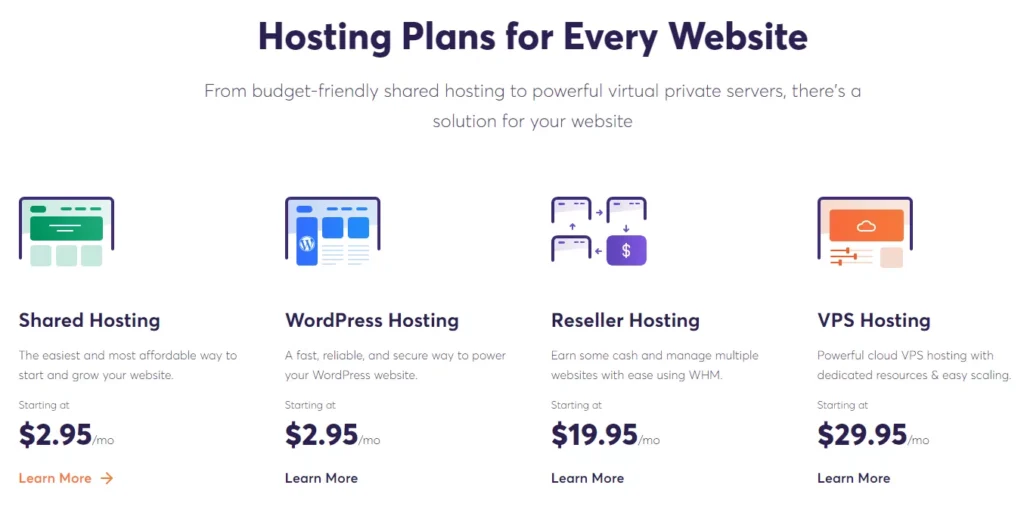
Then you will be asked to select the type of hosting you want to purchase so just click on the “Learn More” button below the Shared hosting plan.
You will see different shared web hosting plans offered by Chemicloud to choose from and the period.

I will recommend you to go for the PRO plan as it offers more resources in comparison to the STARTER plan also go for the Triennially period as you will save huge on it.
So just click on the “Order Now” button to get it.
Step 3: Selecting the Domain Name
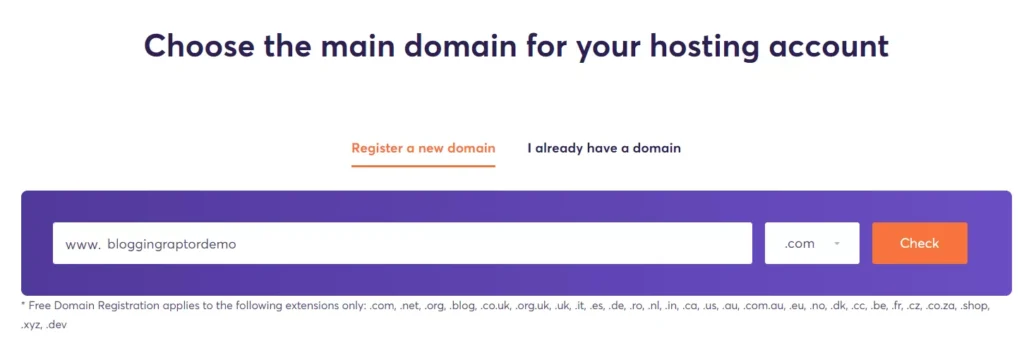
Chemicloud offers free domain registration if you purchase the web hosting plan for at least one year, so we can register a domain name for our website.
If you already have a domain name then click on the “I already have a domain tab” enter your registered domain and then the “Use” button to go to the checkout page.
So just type the domain name you want for your website and click on the “Check” button.
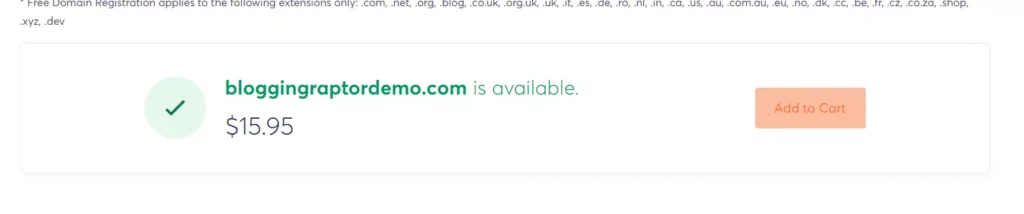
You can see the domain is available to register so just click on the “Add to Cart” button. Then you will see a “Continue” button at the bottom of the page so just click on it.
Step 4: Choose the Billing Cycle, Server Location, and Addons for your Plan
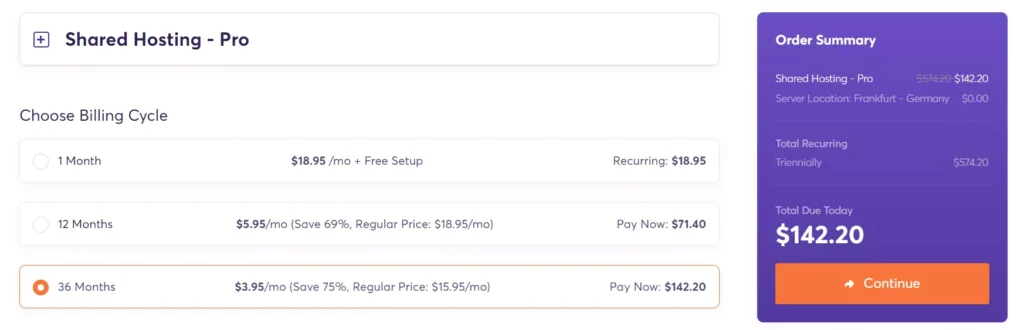
Now you have to choose the billing cycle for your web hosting plan, I would recommend you choose 36 months to save more, else you can go for 12 months too.
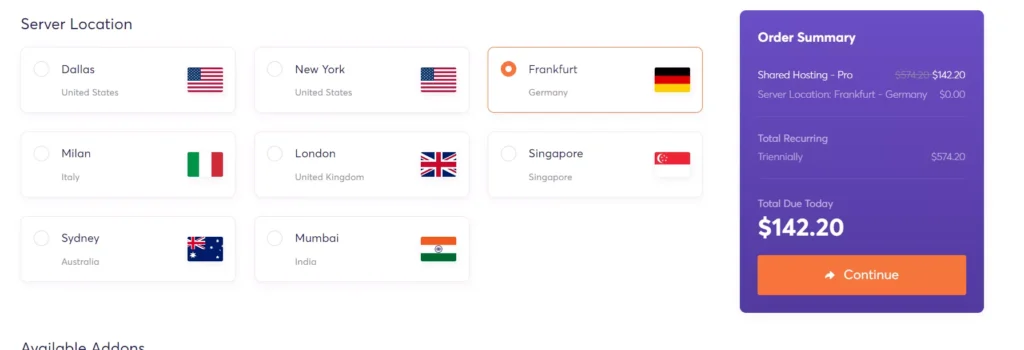
Next scroll down you will need to select the server location for your web hosting, so choose the nearest server to your target country to get the best speed.
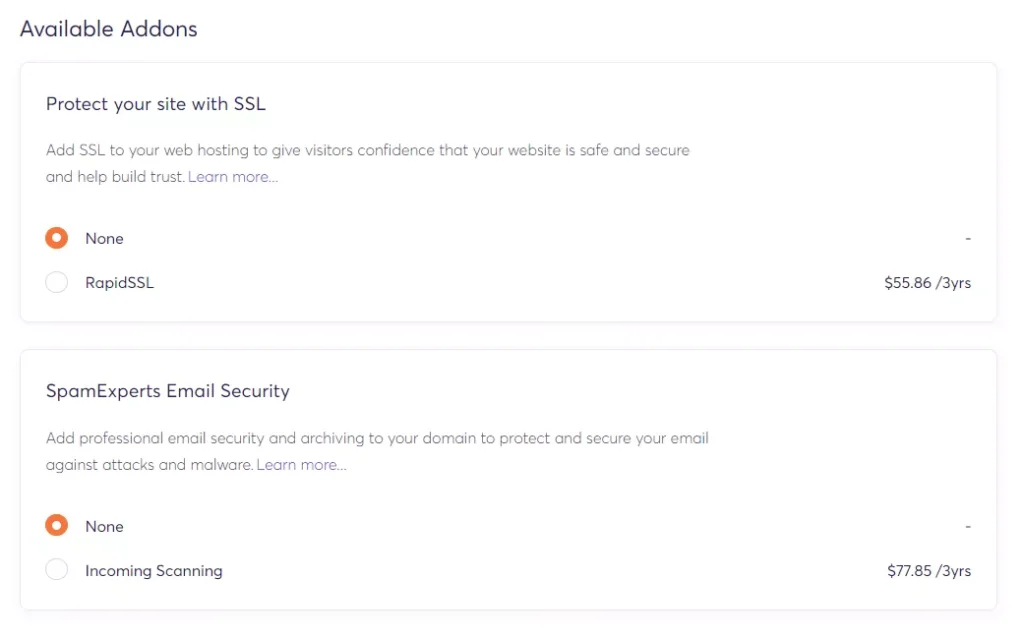
Next, you will see some add-ons like spam email security and SSL for additional cost, that you can select if you need them or set them to none.
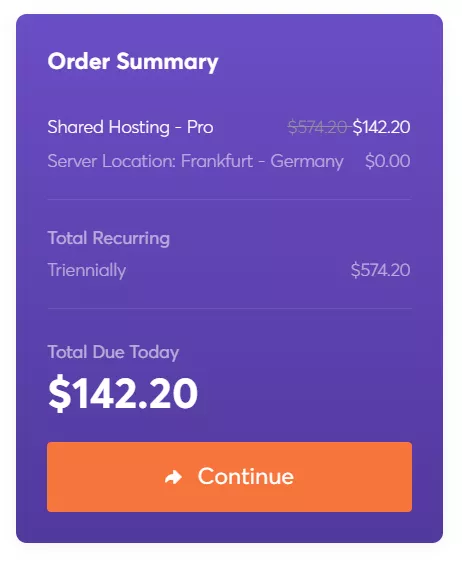
Then just click on the “Continue” button.
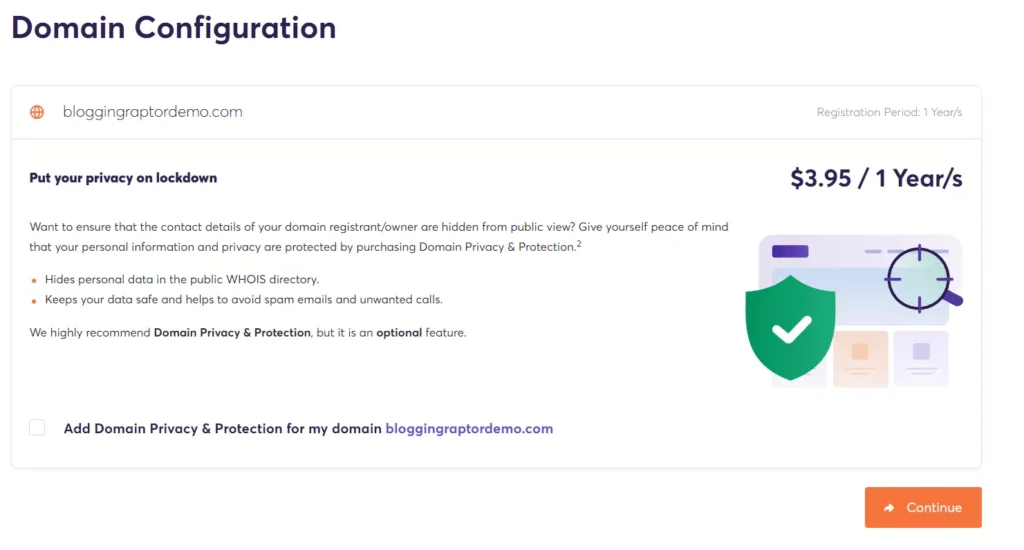
Then you will be redirected to the domain configuration page where you can select if you need domain privacy or not it will cost an additional $3.95/year, then again click on the “Continue” button.
Step 5: Enter the Coupon Code, Payment, and Billing Details
Now you will be redirected to a checkout page where first you will see the products that you’re going to purchase, and below it, you will see the “enter promo code” text field.
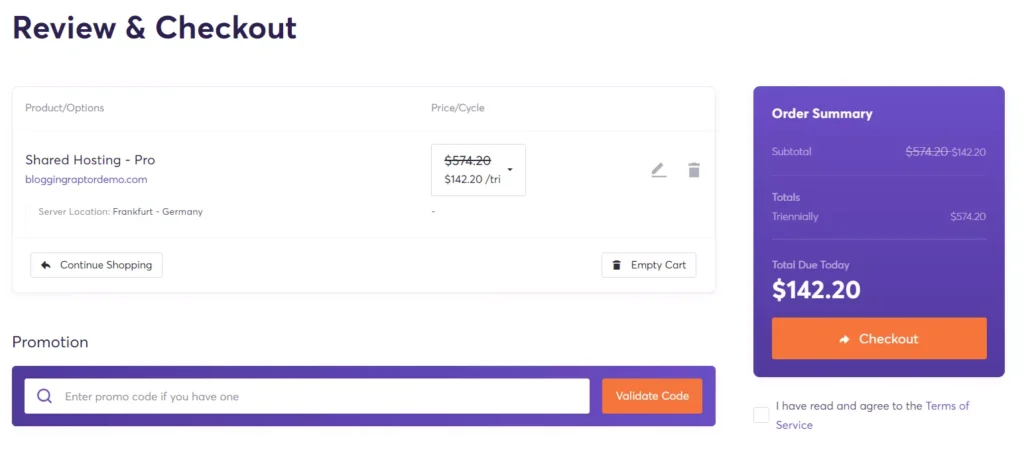
You can see the current price is $142.20, which is after a 75% discount if you visit Chemicloud from the above activate offer button the latest 75% discount will be applied automatically.
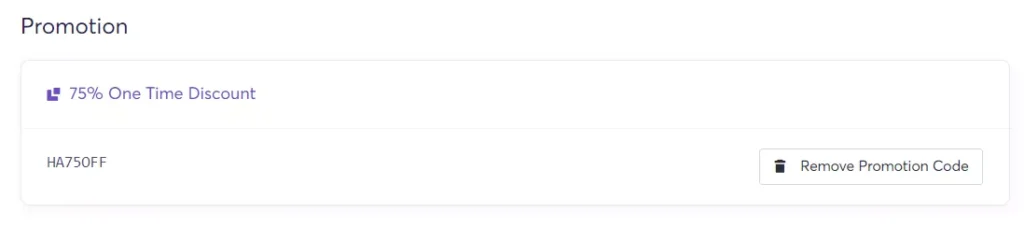
But if you won’t get the 75% discount then you can enter the coupon code “HA75OFF” manually to avail of the one-time discount.

You can see the discounted price after applying the ChemiCloud coupon code.
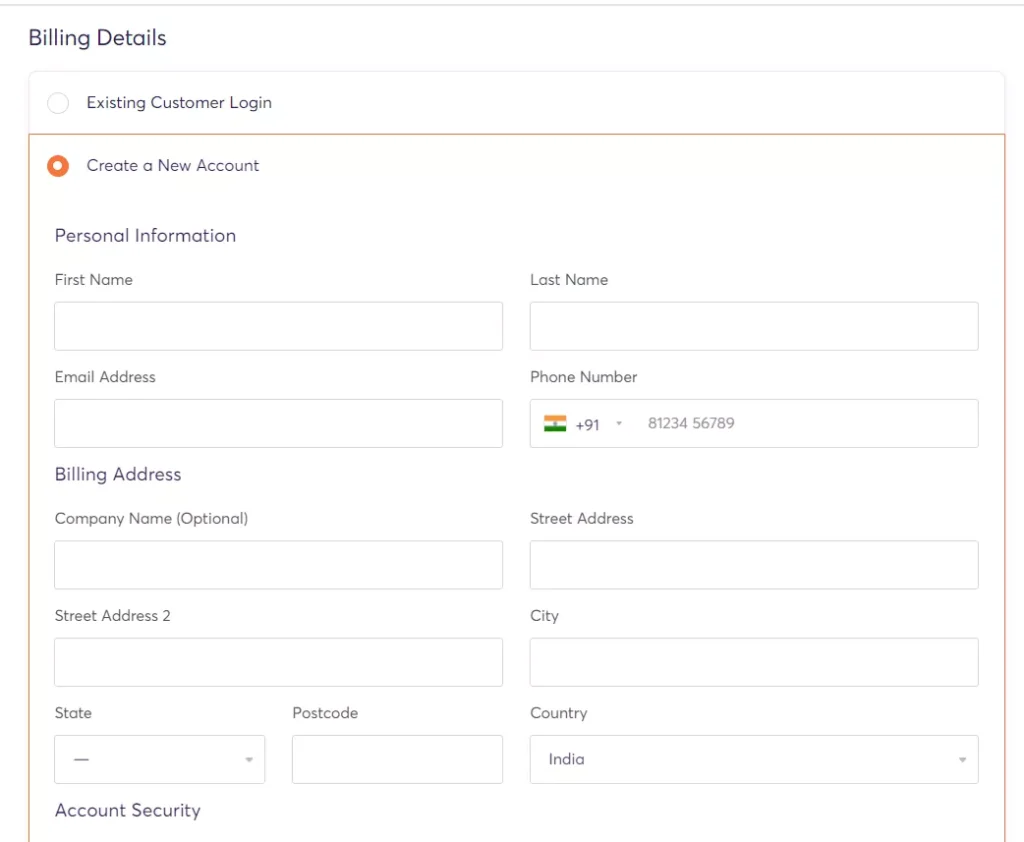
After that, you need to enter your billing address.
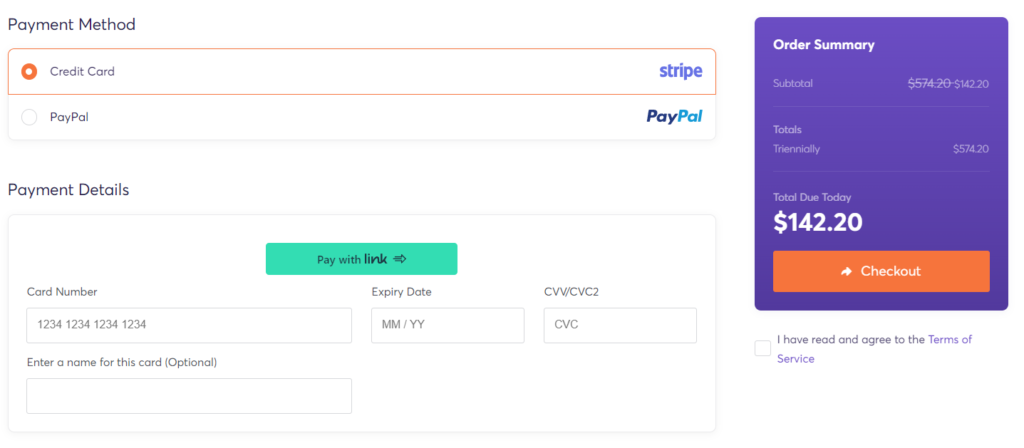
Then you need to enter your payment details, click on the checkbox near “I have read and agree to the Terms of Service” and then just click on the “Checkout” button and complete your purchase.
So this is how you can avail the 75% discount with this Chemicloud coupon code.
I hope you found this article helpful and if you have any doubts related to it then feel free to comment below I will reply to you ASAP.