
Are you planning to buy web hosting from FastComet?
If yes, you’re in the right place! In this article, I’ll share some exclusive FastComet coupon code that can help you save up to 85% on their web hosting plans.
FastComet Coupon Code


FastComet offers various promotions throughout the year, including 70% and 75% discounts on their hosting plans.
During special occasions or festive seasons, they sometimes provide even bigger discounts, like 80% or 85% off on shared hosting plans.
To stay updated and never miss these deals, make sure to visit this page regularly for the latest FastComet coupons and offers.
How to Use FastComet Coupon Code and Grab 75%, 80% or 85% Discount
For this tutorial, I’m showing you how to use the 75% discount code as it runs the whole year, but I would also suggest you try out the 80% discount code too.
Step 1: Visit the FastComet Website
Click on the FastComet coupon code to copy it and then click on the “Coupon” button, you will be redirected to the FastComet website.
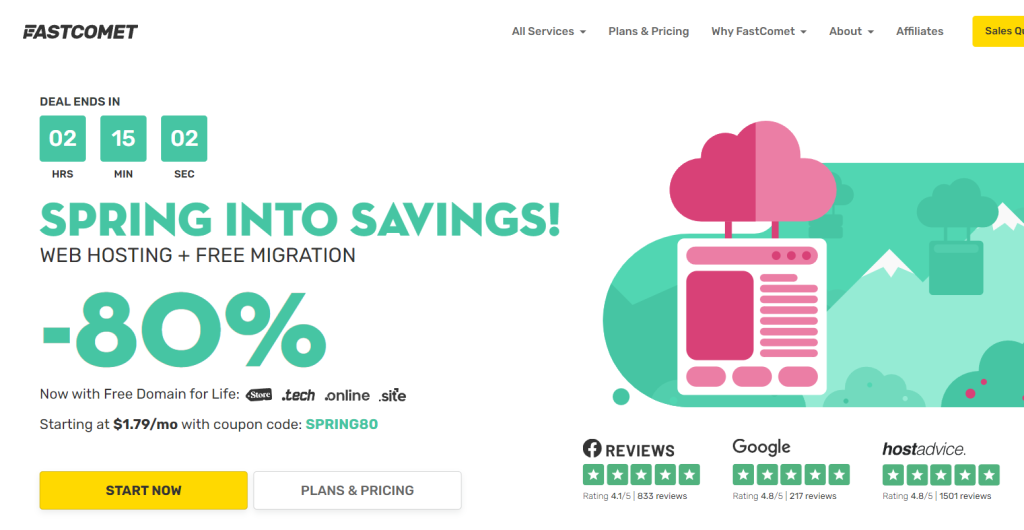
You will see the current FastComet discount offers on their home page, just Click on the “Start Now” button to continue.
Step 2: Selecting the Web Hosting Plan
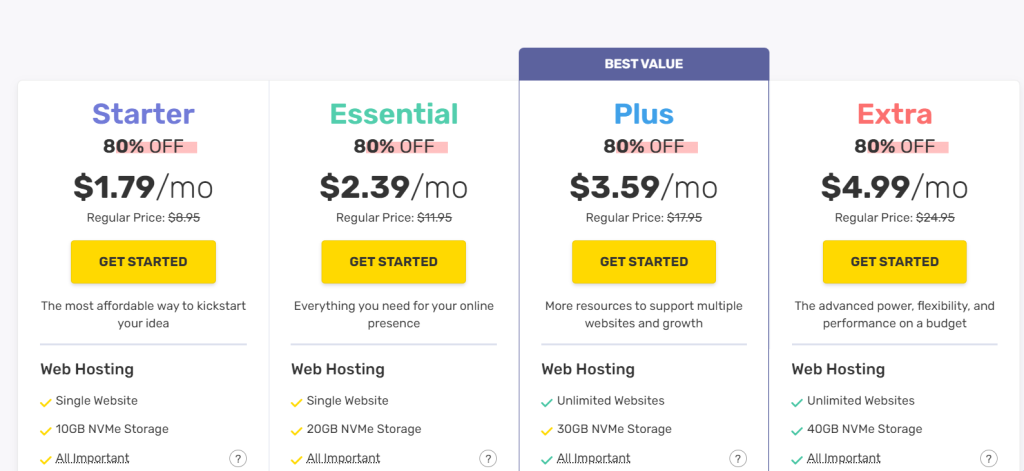
Now you have to select the web hosting plan according to your website needs, But I would recommend you to go for the PLUS plan as it offers more resources in comparison to STARTER & ESSENTIAL plans.
Also, you can go for the EXTRA plan if you require more resources, so just click on the “Get Started” button below the plan you want to purchase.
Step 3: Selecting a Domain Name
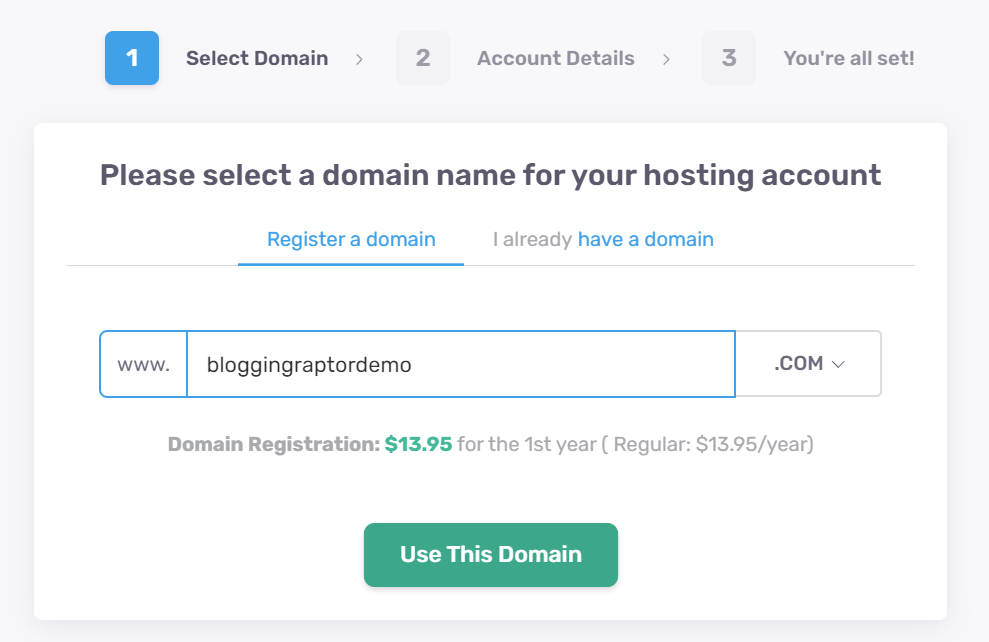
Here you need to select a domain name for your hosting account, just enter the domain name that you want to register for your hosting account and click on the “Use This Domain” button.
BONUS:
If you already have a registered domain name then you can select the second option I already have a domain, this you will save almost $18 more as you won’t need to pay an additional $13.95 domain registration fee and the $3.95 for the domain privacy fees.
So if you can get a domain name cheaper than this then get a domain name first then purchase and connect your domain to your hosting account to save more.
I have an affordable option for you where you can get a .COM domain at $8.16 with domain privacy included! Click the below “Register Your Domain” button to get your domain.
Step 4: Enter Your Business and Account Details
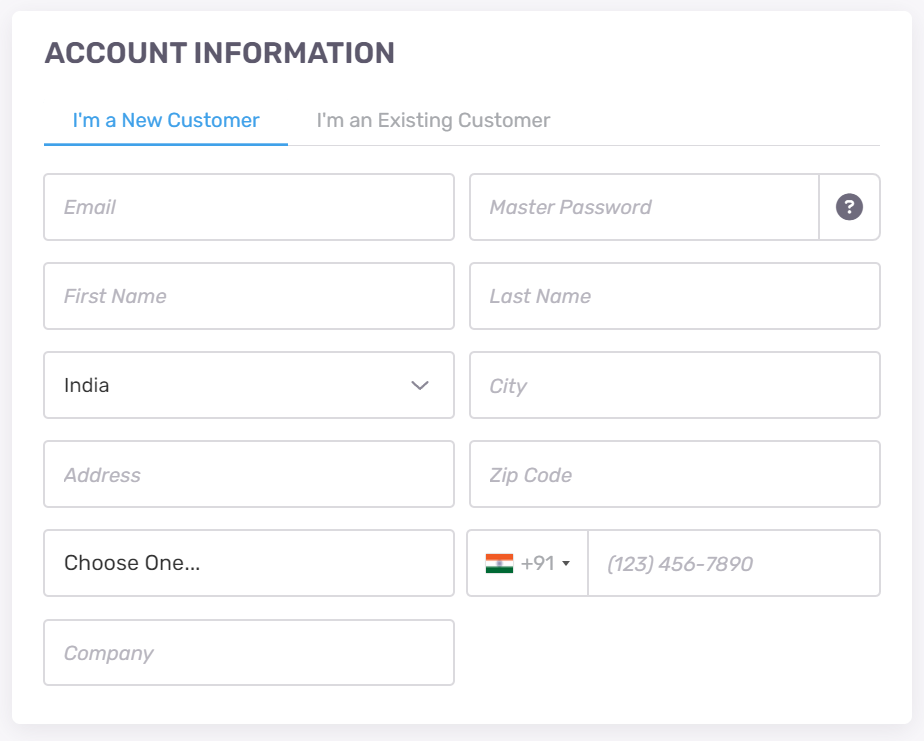
Now here first you need to enter your information like name, email, password, country, and other information then scroll down.
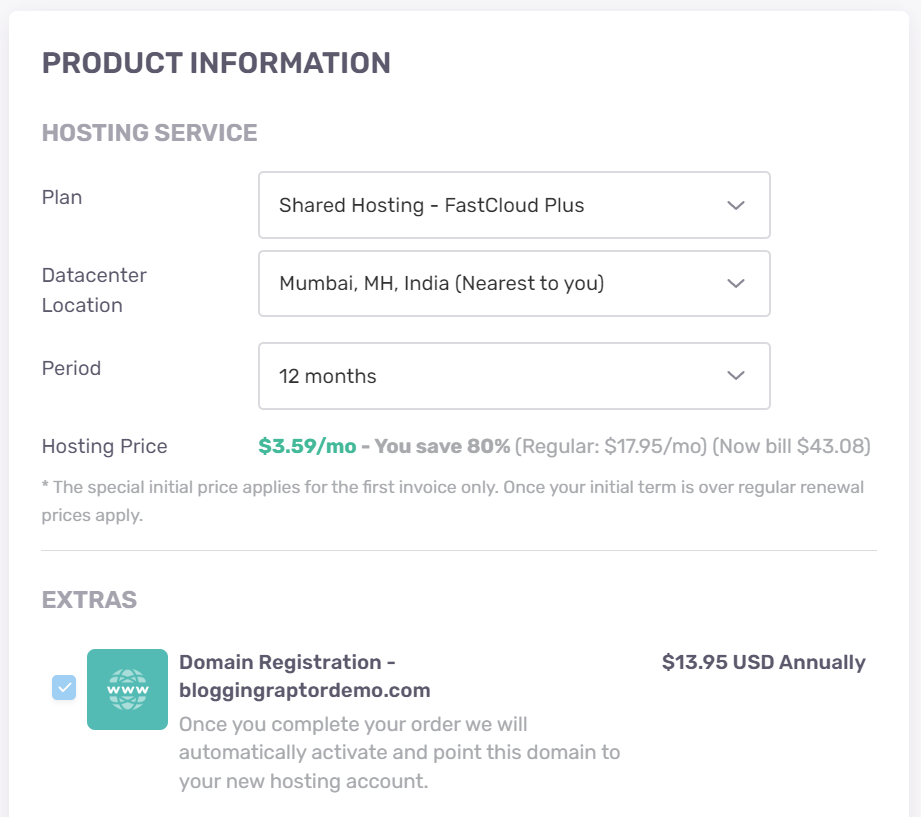
Then you will see the web hosting product information that you are going to purchase, like the plan you have chosen, then select the data center for your host and the period. Then just scroll down again.
Step 5: Enter the Coupon Code and Payment Details
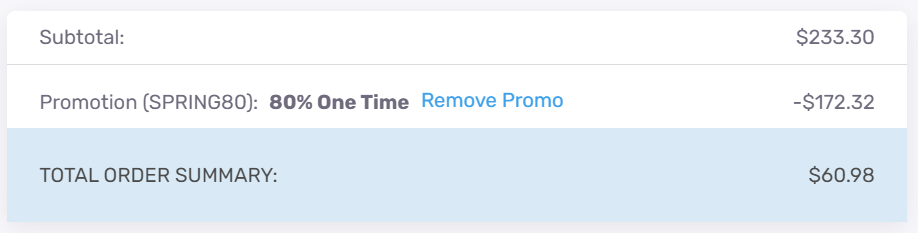
You will see the subtotal and the option of coupon code, by default it will show the current offer which is offered by FastComet itself which is 80% off so you can go with it.
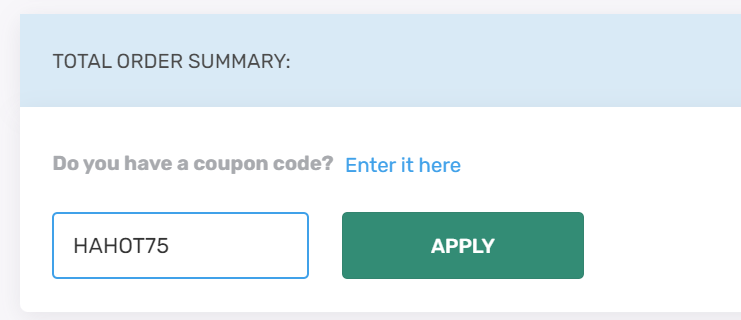
But If you don’t get at least 75% off by default then you can remove the existing promo by clicking on the “Remove promo” button.
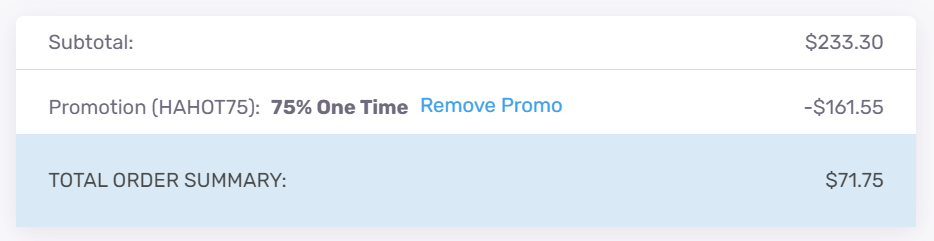
Enter the coupon code “HAHOT80” for an 80% discount if this works, or enter “HAHOT75” for at least 75% discount.
BONUS: FastComet sometimes runs an 85% discount offer too so you can try the “HAHOT85” coupon code and check if this works or not. But the “HAHOT75” will work anytime.
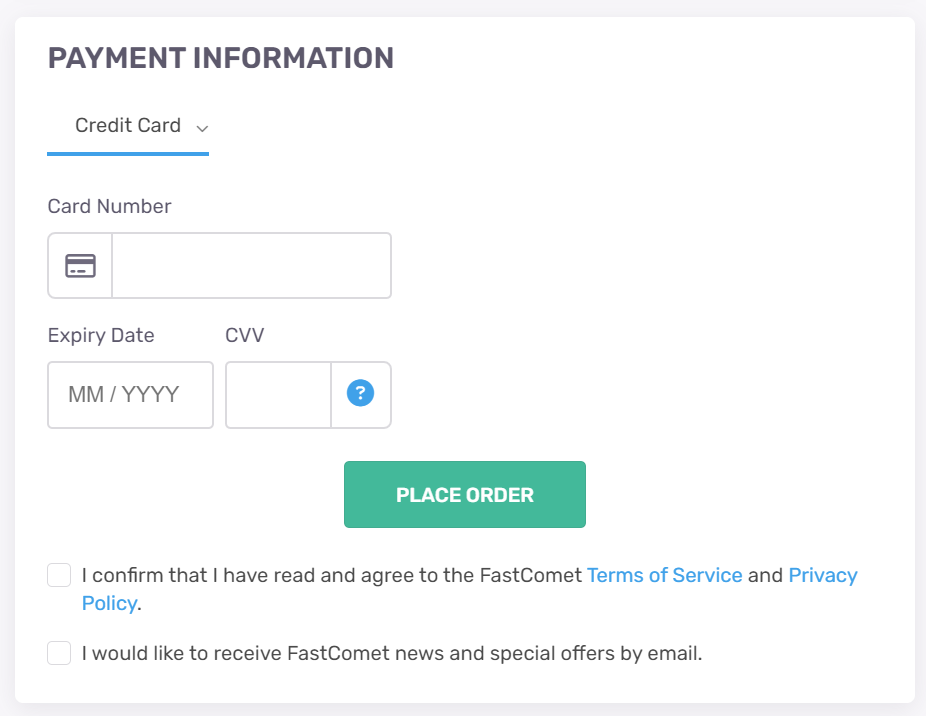
After you enter the best discount code just apply it, then scroll down and enter your payment details, then just click on the “Place Order” button to complete your purchase.
So this is how you can avail the best possible discount on FastComet web hosting services with the available FastComet coupon codes.
I hope this article will help you get the best discount on FastComet purchases, if yes, then do share it with your contacts as if they are looking for FastC