
VPN for Windows: A Practical Security Guide for SEO Teams


An SEO specialist may open Search Console, GA4, WordPress, cloud storage and several reporting tools before lunch. That is convenient, but it also makes one Windows laptop a doorway into several clients’ data.
The risk grows when work moves between home, hotels, conferences and coworking spaces. A VPN can protect traffic on unfamiliar networks, but it cannot secure a weak password or remove access from a former contractor.
The useful approach is layered: protect the connection, the device, the accounts and the credentials behind automated work.
Know What a VPN Protects
A VPN creates an encrypted connection between a Windows device and a VPN server. Online services then see the server’s public IP address rather than the user’s usual public IP.
Modern websites generally use HTTPS, which already encrypts content between the browser and the website. A VPN adds protection around the network connection and reduces what a hotel, café or other local network can observe.
That is valuable when an SEO professional must check a client site or download a report away from a controlled office.
The limit matters just as much as the benefit. A VPN cannot stop someone from entering a password on a phishing page. It cannot hide an API key committed to a public repository, and it cannot repair malware already running on the laptop. Treat it as network protection, not an all-purpose security switch.
Use Location Testing Carefully
SEO teams sometimes use a VPN server in another country to see how a website, advertisement or search page behaves from that region. This can provide a useful clue, but it is not a perfect local search simulation.
Search results may also change with language, device type, account settings, previous activity and precise location. Compare the VPN view with an incognito session, the correct language and device settings, and reliable SEO tools.
For a team’s own website, Search Console remains more useful for measuring actual impressions, clicks and average position than a single manual search.
Give Each Person Their Own Access
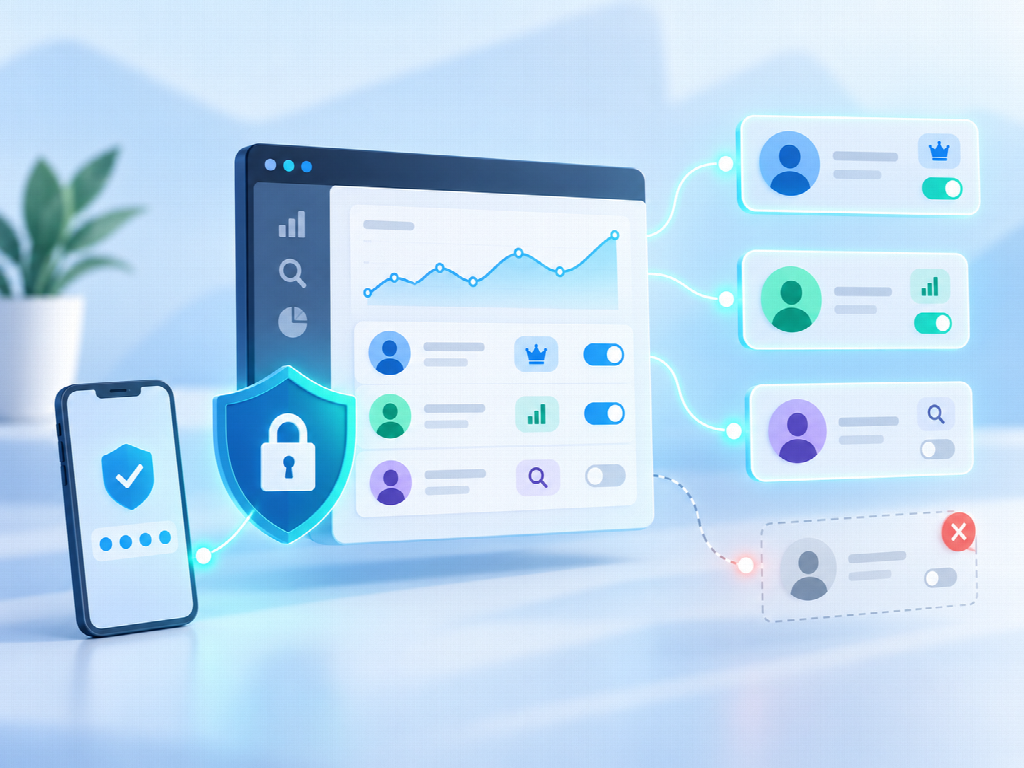 Shared logins look efficient until someone leaves or an unexplained change appears. When a platform supports individual users, create separate accounts. This gives the agency a clearer activity trail and lets an administrator remove one person’s access without changing a password for the entire team.
Match permissions to the job. A writer who updates copy may need editing rights in WordPress, not administrator access. A freelancer reviewing Search Console may need restricted or full-user access, not ownership.
Google provides different Search Console roles because they allow different actions; granting ownership by default creates avoidable risk.
Use multi-factor authentication on email, CMS, analytics and other important accounts. Then make offboarding part of project closure. Remove users, shared links, integrations and ownership tokens when a working relationship ends. Access that nobody reviews can remain active long after anyone remembers why it was granted.
Keep Reports and API Keys Under Control
Analytics files are business data. GA4 exports and Search Console reports can reveal traffic trends, valuable landing pages, campaign activity and conversion performance.
Store them in approved project folders, restrict link sharing and delete local copies when the team no longer needs them. A personal Downloads folder should not become a permanent client archive.
API credentials need stricter handling. SEO teams use APIs for crawling, rank tracking, dashboards, content workflows and scheduled reports. Keys are easily exposed when pasted into spreadsheets, chat messages or scripts that later reach a shared repository.
Store secrets in an approved password manager, environment variable or secret-management service rather than plain text. Limit each key’s permissions where the service allows it. If a key appears in a public file or an uncontrolled message, revoke or rotate it; deleting the visible copy does not prove nobody else saved it.
Review connected automations as well. An old workflow in Zapier, Make or a custom script may retain access to several services even after the original campaign ends.
Decide what the team will do when something goes wrong. If a laptop is lost, a password is phished or a key appears in public, people should know whom to tell and which access to remove first.
A quick response can limit the damage. Hiding a mistake because the process is unclear usually gives an exposed account more time to be misused.
Secure the Windows Device
Keep Windows, browsers, extensions and work applications updated. Security updates often fix known weaknesses, so delaying them leaves a preventable opening. Use Windows Security or an approved endpoint-protection tool, enable device encryption where available, and lock the screen whenever the laptop is unattended.
The physical setting matters too. A VPN cannot stop someone nearby from reading a visible dashboard or hearing a client discussion. In a shared workspace, position the screen carefully, use a privacy filter when appropriate and avoid leaving reports open while stepping away.
For a work VPN, look for a stable Windows app, clear privacy practices and a kill switch. A kill switch can block traffic if the VPN connection drops instead of allowing the device to fall back silently to the normal connection. Speed also matters: protection that disrupts every crawl, upload or video call is likely to be turned off.
Build a Routine the Team Will Follow
A short, enforced routine is more useful than a long policy nobody remembers:
- Update Windows, browsers and essential work apps.
- Use individual accounts, unique passwords and multi-factor authentication.
- Connect the VPN on public or unfamiliar networks.
- Give each person only the access required for the task.
- Store API keys outside spreadsheets, chat threads and source code.
- Review old users, tokens, integrations and shared reports regularly.
- Remove access when a project or working relationship ends.
SEO teams are trusted with websites, performance data and the tools that connect them. Protecting that work does not require treating every task as a security emergency.
It requires knowing which tool solves which problem and applying a few controls consistently. Secure the connection with a VPN when needed, then make account discipline, credential management and device maintenance part of ordinary client work.

Vaayu is a full-time blogger and content writer with a passion for digital marketing. With years of experience in the industry, he shares practical tips, insights, and strategies to help businesses and individuals grow online. When not writing, Vaayu enjoys exploring new marketing trends and testing the latest online tools.